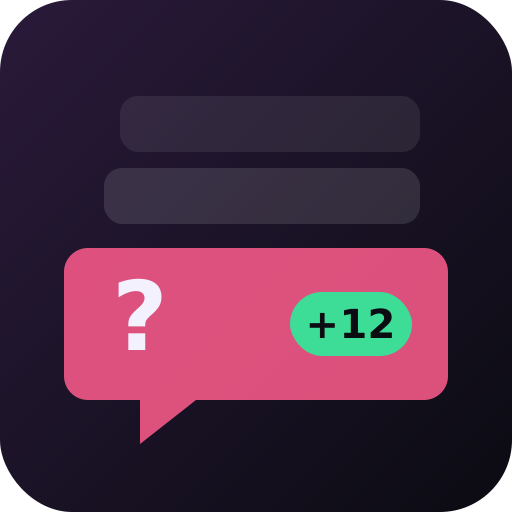
Q&A
Chat questions
A Q&A without losing questions in the chat scroll: every question waits in your dashboard, the most backed on top, and only the one you pick goes on the overlay. Questions last only for the stream.
Play from the dashboard
A free account, your settings kept, one overlay link for OBS.
01 /
How a game goes
- Play opens the questions: chat asks with !q then the question (200 characters at most), one waiting question per viewer.
- The overlay lists the waiting questions by number and author (never their text); other viewers back one with +1 and its number (+1 3), once each, and the most backed rise to the top of your list.
- You show a question on the overlay (S for the top one), answer it out loud, then mark it answered (A).
- You dismiss the ones you skip; Stop wipes everything.
02 /
On the viewers' side
Viewers take part by typing !q then their question, or +1 and a question's number. Everything happens on the overlay in OBS: no extension to install, nothing to authorise.
03 /
Settings you can change
- Questions waiting at most — 10 to 200. Once the list is full, new questions are refused until you handle some.
04 /
The other games
 TombolaRaffle
 Les AmoursGuessing game
 ○△□ Type GamesTyping game
 QuizChat trivia
 MotusWord game in chat
 Le juste prixGuess the number
 The streamer vs everyoneRock paper scissors
 Chat bossEveryone against the boss
 Who am I?Yes-or-no questions
 Petit bacA letter, a category
 Stream bingoA card per viewer
 Chat linksLinks and votes
 Longest wordLetters and a dictionary
 Countdown numbersNumbers and maths
 Chat auctionVirtual points
 Blind test without musicEmoji rebus
 Mot interditMake them guess, don't say it
 Dessine !You draw, chat guesses
 Count togetherChat team game
 Chat pollChat poll
 Viewer queue!join in chat
 TimerOn-screen countdown
 CounterDeaths, fails, challenges
 Wheel of fortuneChallenges and draws
 Goal barChat challenge
 PredictionsChat bets
 Message wallModerated messages
 Chat scoreScore out of 10
 Hype meterChat mood
 Run splitsTimed runs and challenges
 Chat challengesChallenges to take on
 ScoreboardScores by hand